-

Software Development
A perfect combination of innovation, flexibility and adaptability and ease makes our software the ideal solution for any type of business (small or large sized).
Our objective is to provide the most excellent and brilliant software solutions to our customers. Read More -

Web Development
The Internet is an active and ever changing environment and we create plans that fit within your needs and budget.
We offer full support to your web design to make it informative and attractive. Read More -

Mobile Apps
We offer complete package provides our valuable customers with mobile applications that utilize the full extent of mobile applications programming for Android, BlackBerry, iPhone, Windows Mobile, Kindle, and Symbian, amongst others. Read More
- 1
- 2
- 3
How do I clean an Inkjet printer?
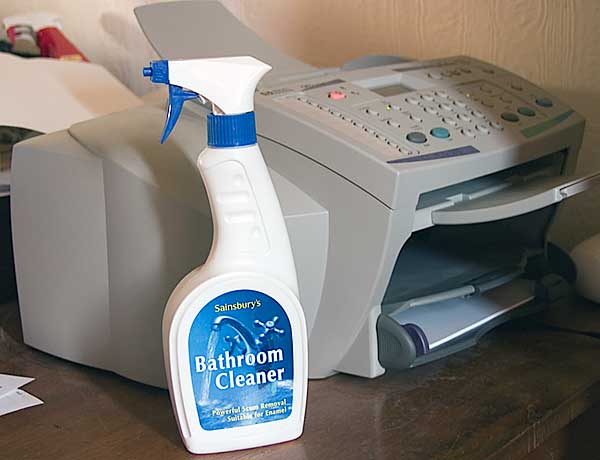
Over time Inkjet printers can become dirty due to excess ink "leaking" out of the ink cartridges. Ink can build up on major components of the printer, causing the print quality to decrease. When this occurs, it may be necessary to clean the printer.
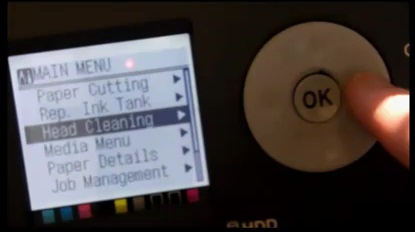
Tip: Before following any of the below steps be sure to try the printer self-cleaning feature. All printers today have some type of self-cleaning ability that is usually accessed by pressing and holding one or more of the buttons on the front of the printer. If this doesn't help or if the printer needs cleaning beyond what the self-cleaning is capable of doing, try the below steps.

To clean your printer, there are several areas that you need to focus on:
Print Heads
Ribbon
Ink Reservoir
Stabilizer Bar
Many printers include the print heads on the ink cartridges themselves. To clean these, remove the ink cartridges from the printer. Take a piece of paper towel, fold it into quarters and apply some isopropyl alcohol to it and rub the paper towel gently along the print heads on the back or underside of the ink cartridges. Running the paper towel along the print heads several times should be adequate to remove most, if not all, of the ink build-up.
Next, takes some window cleaner (e.g. Windex) and spray it on a piece of paper towel, then clean the ribbon that sits behind the ink cartridge tray. The ribbon is typically white in color.
Then, using a cotton swab, clean up any ink build-up in the bottom of the ink cartridge tray (the ink reservoir). If necessary, you could use a little bit of alcohol on a cotton swab to help clean up the ink.
Lastly, using some sewing machine oil or printer oil, place a few small spots of oil along the stabilizer bar, which is the bar that the ink cartridge tray slides along. This can also help reduce squeaking, crunching, and grinding printer noises.
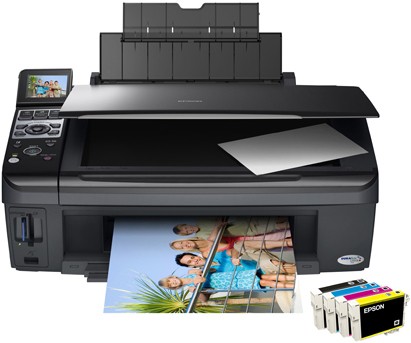
You may also want to check the paper pickup rollers in the back of the printer. Usually, printers will have a back panel that opens up, allowing you to see and access these rollers. Clean these rollers with either a cotton swab with alcohol or window cleaner. You can also use some canned air to blow out any pieces of paper shreds that have built up inside the printer.
Source: www.computerhope.com